





Three steps, and the hard part is over.
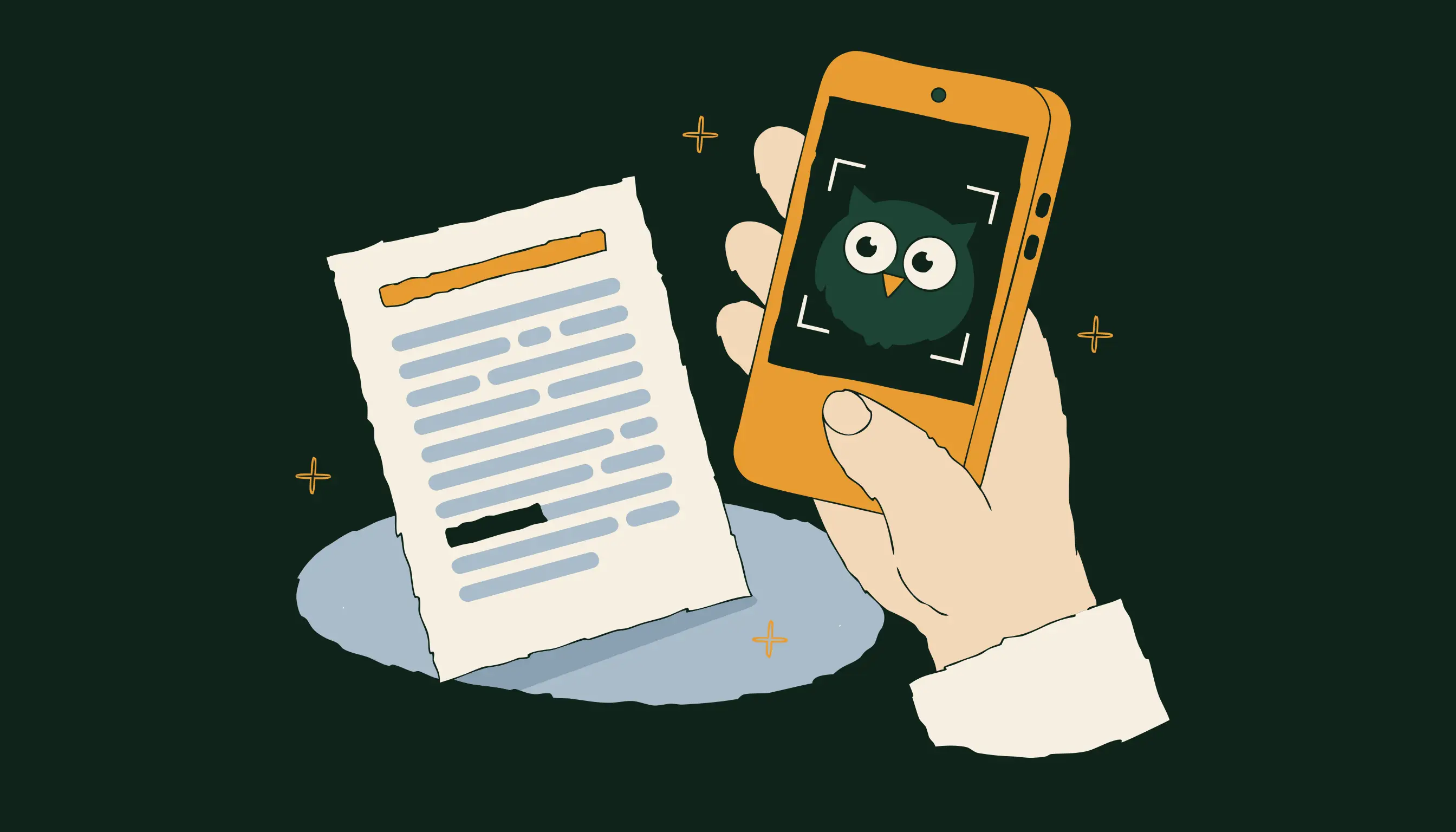
Step 1
Drop in your Form 16
One PDF, password protected or not. Whoot reads it and pulls out every figure it needs.
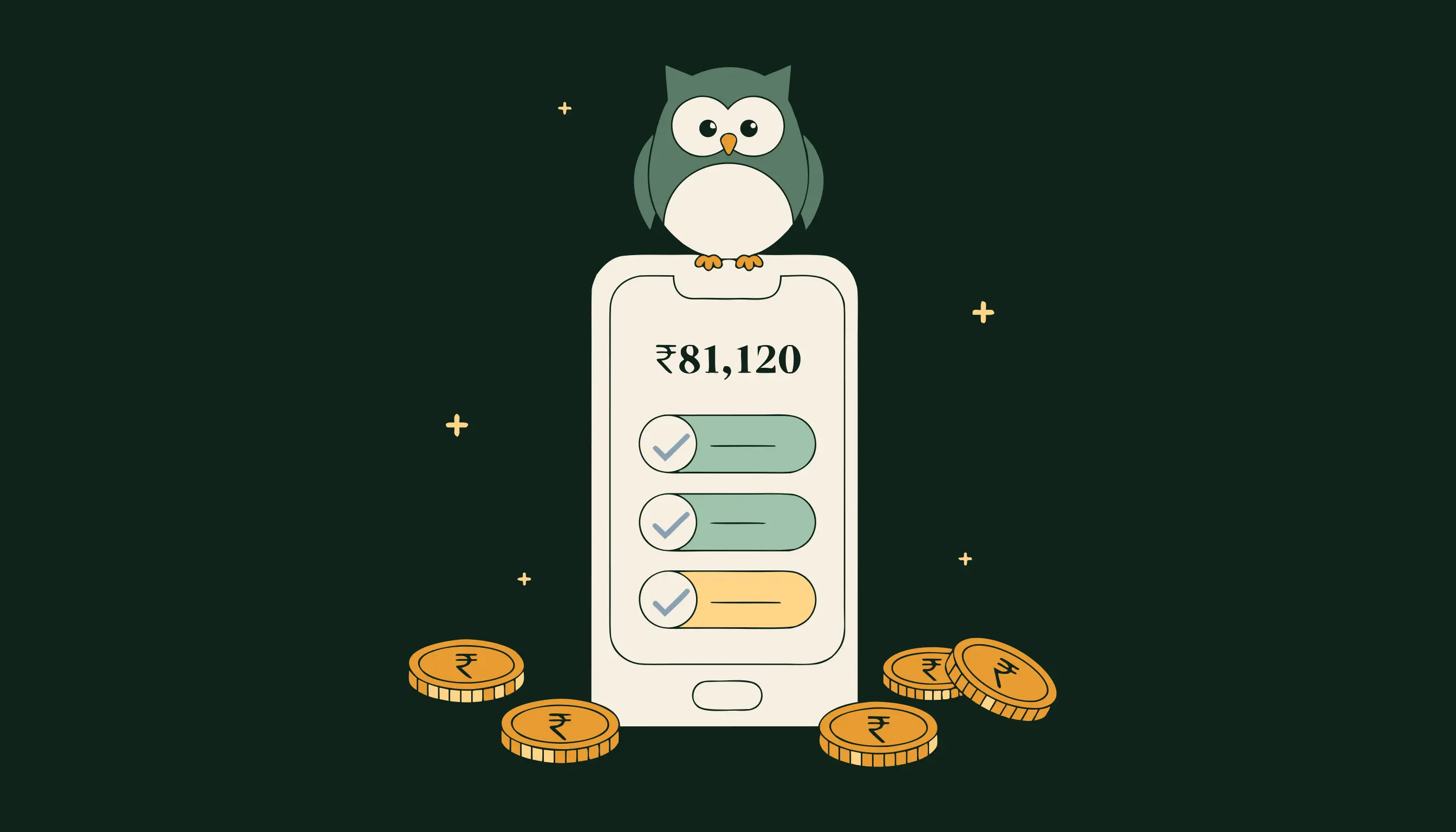
Step 2
See what you are owed
Both regimes worked out side by side, and every deduction named with the section it comes from.

Step 3
File it, or hand it over
A dated pack you can follow yourself, or one a CA can work straight from.
Read a real report before you give anybody your email.
Whoot’s sample report is open to anyone. Same layout, same working, the same sections you would get from your own Form 16. No account, no card, nothing to undo if you decide against it.
Open the sample reportWhat Whoot will not do.
It will not file anything for you
Whoot prepares. You file, or your CA does. Nothing is ever submitted to the department on your behalf.
It will not invent a figure
Every number on your report names the section of the Act it comes from, so you can check it or hand it to somebody who will.
It will not keep what you delete
Clear your documents in Settings and they are gone, along with anything Whoot worked out from them.
It starts with three questions.
Salaried, freelance, or business. Answer those and Whoot shows you your whole path: the form you file, the documents it needs, and everything it is not going to ask you for.
Show me my pathNo account needed to see it.